One soundboard,
Two builds.
Both are the complete SimplePlay2000 engine.
Recommended for most shows with the full SimplePlay2000 feature set included. Audio is routed to the computers system audio device. The simple and solid way to play.
 Windows — Ver 1.0›
 Mac — Ver 1.0›
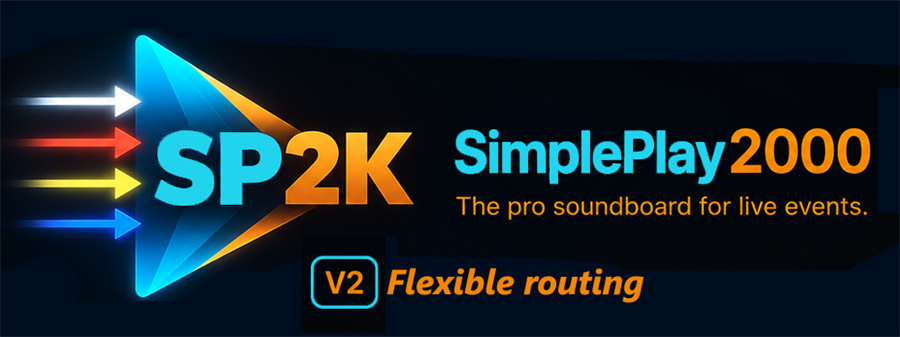
For events that demand more flexibility, Ver 2 includes the full SimplePlay2000 feature set, plus two auxiliary busses for routing individual cues, individual announcements, and full playlists to separate outputs. SP2k is a natural complement to the outboard gear already in place.
Windows — Ver 2.0›
Mac — Ver 2.0›
The only difference is which defaults you start with. Every feature lives in both builds — Sys ▸ Version Selection inside the app switches between them at any time. Download either one and you have both.
Windows 10 / 11 · macOS · Published by SimplePlay2000 Ltd.
The WINDOWS AND MAC INSTALLERS ARE DIGITALLY SIGNED!
Windows verifies our publisher certificate on every download. Because the app is brand-new, you may still see a one-time SmartScreen notice until our download reputation builds: More info → Run anyway.
Mac signing & Apple notarization HAS BEEN FINALIZED! Thanks for being an early adopter!
Your .sp2k show files carry between builds — switch anytime.

Works with Bitfocus Companion too.
If your rig already runs Bitfocus Companion to drive your Stream Deck (or any other surface), SP2K plugs into it directly — the same actions as the Stream Deck plugin above: fire cues, control playlists, trigger announcements, drive the web player. It ships as a module (.tgz) inside a small .zip — download, unzip, then in Companion go to Modules → Import module package and pick the .tgz. The presets are available for further simplicity.
Bitfocus Companion — SP2K Module›
iPad, Tablet and Remotes are here!
The SimplePlay2000 engine now has remote access BUILT IN for your touch-surface device.
- Download the latest version of SP2K.
- Open the Settings area and find iPad, Tablet and Remotes.
- Follow the on-screen instructions.
- Every SP2K device must be on the same Wi-Fi network.
- No additional download required.
Learn it right inside the app.
The SimplePlay2000 Learning Companion is built into the app — open any panel and it tells you what each control does and why it's there. Every panel, every feature, searchable by what you're trying to do. The same guide is right here on the web, too.
Get your activation code today!
2 activations per key — primary and backup. Both begin (and end) with the same 365-day term, measured from the purchase date.